Today, we continue our deep dive into KV cache offloading. In my previous post, I demonstrated the benefits of offloading your KV cache to a shared storage tier using ONTAP pNFS over RDMA. In that post, I showed benchmark results across different context lengths. However, no session's context length ever exceeded 40,000 tokens during that round of testing. When working with prompts of this length, LMCache's default values are generally acceptable. If your workload consists of longer context lengths, however, you may want to do some tuning, as our latest round of testing demonstrates.
Choosing the right chunk size
One of the key parameters in LMCache is the `chunk_size`. This parameter defines the number of tokens that LMCache groups together into a single chunk before writing to the configured backend(s). When LMCache stores KV cache data, it accumulates tokens together up to the configured chunk size, serializes the whole group as a single blob, and writes that blob to storage in one operation. The same unit applies on the read path.
LMCache's default `chunk_size` is 256 tokens. For local backends like CPU memory, and for shorter-context workloads, this works fine. When you're utilizing a remote backend like S3 or pNFS, however, every chunk is a separate I/O operation that has to travel across the network and be processed by the storage system. If your chunks are too small, you end up flooding your storage backend with a large number of operations, and the per-operation overhead quickly dominates your overall throughput. LMCache's default value of 256 tokens turns out to be a problematic starting point for long-context workloads when working with remote storage backend.
Chunk size on disk
At this point, you may be wondering what a chunk actually looks like on disk. The answer depends on your model's architecture and data type. To calculate the exact storage footprint, you need to know the number of KV heads, head dimension, number of layers, and data type for the model you're serving. For our latest round of testing, we served the "Qwen/Qwen3-4B-Instruct-2507" model. This model uses Grouped Query Attention (GQA), which significantly reduces the KV cache size compared to standard multi-head attention. Here are the relevant architectural parameters:
Layers: 36
KV heads: 8
Head dimension: 128
Data type: bfloat16 (2 bytes)
To calculate the storage footprint of a single chunk, we must first calculate the bytes required per token per layer:
8 (KV heads) × 128 (Head dimension) × 2 (Key + Value tensors) × 2 (bytes) = 4,096 bytes
Then, we multiply by the total number of layers to get the total number of bytes per token:
4,096 (bytes) × 36 (layers) = 147,456 bytes per token
At LMCache's default chunk size of 256 tokens, the size of each chunk works out to:
147,456 (bytes) × 256 (tokens) = 37,748,736 bytes (36 MB) per chunk
However, tensor parallelism is another variable to take into account. When you serve a model across multiple GPUs, your chunks are effectively split across those GPUs. For example, if you serve "Qwen/Qwen3-4B-Instruct-2507" with tensor parallelism of 4 (4 GPUs), assuming you use the default chunk size of 256 tokens, each GPU independently writes its own complete 256-token chunk containing only the KV data for its assigned heads, resulting in 4 separate 9 MB chunks.
Implication for long-context workloads
Now, let's consider the implications of this when servicing a 100,000-token prompt whose KV cache was previously written to storage. With a chunk size of 256 tokens, LMCache divides that context into 390 complete chunks, with a remaining 160-token partial chunk that goes unsaved. With tensor parallelism set to 4, each of these 390 logical chunks is written and read as 4 separate per-GPU chunks of 9 MB each.
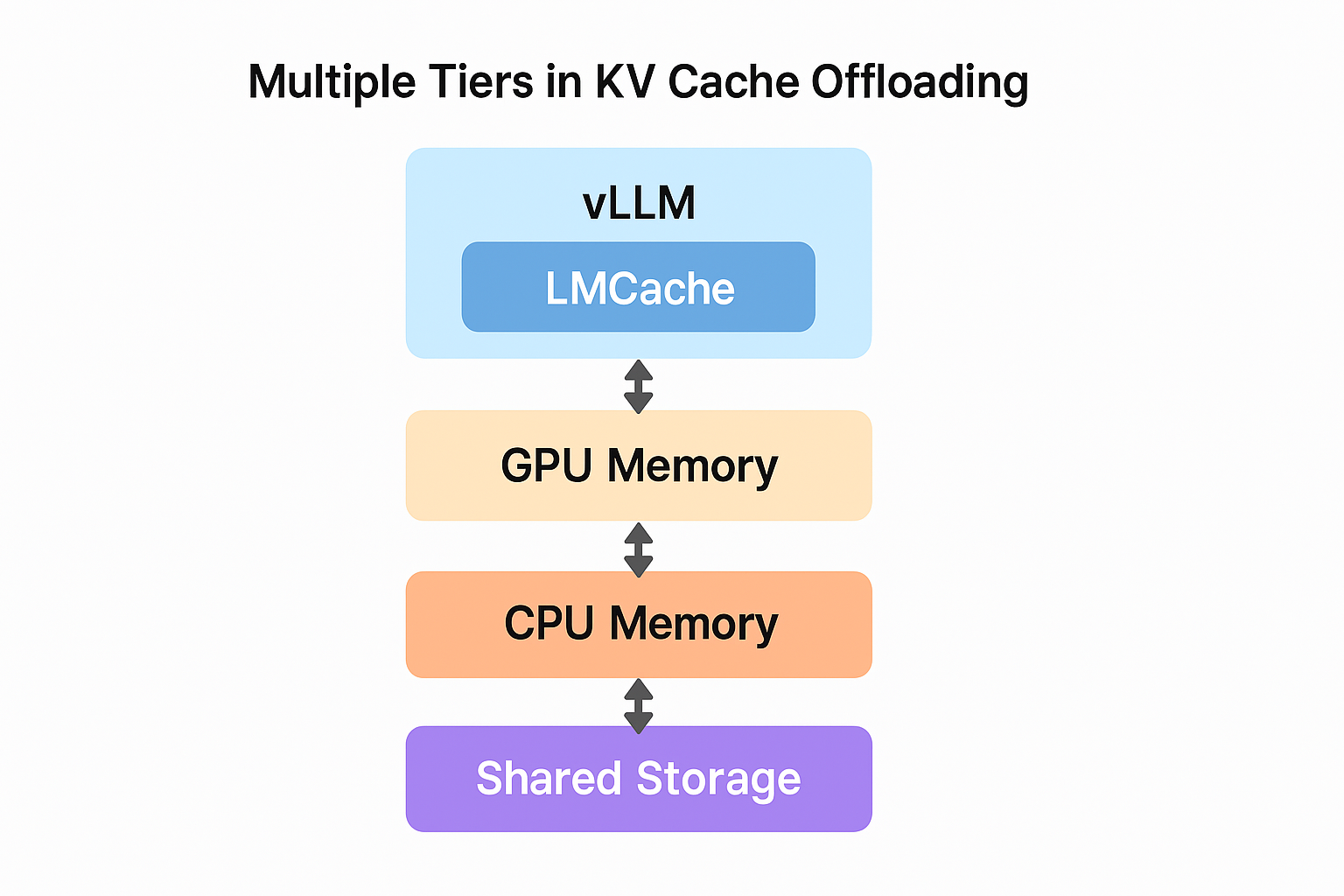
To retrieve the KV cache for our hypothetical 100,000-token prompt, LMCache will issue 1,560 individual I/O operations (1,560 separate GET requests to your S3 bucket, or 1,560 reads from your pNFS share), for a total transfer of approximately 14 GB. With a remote storage backend, that per-operation overhead adds up fast. In fact, when we ran a benchmark script that issued many 100,000-token prompts to multiple vLLM servers (each serving the "Qwen/Qwen3-4B-Instruct-2507" model with tensor parallelism of 4) we experienced multiple timeouts. Some of our prompts/queries to the vLLM server never received a response. Our vLLM "cluster" became unstable.
Finding the optimal chunk size
After we observed this instability, we set out to find a more optimal value for chunk size. We re-ran our benchmark with chunk sizes ranging from 256 to 4096 tokens and found 2048 tokens to be the sweet spot. At that chunk size (with tensor parallelism of 4), each object on disk is:
147,456 (bytes) × 2048 (tokens) / 4 (GPUs) = 75,497,472 bytes (72 MB) per chunk
The number of I/O operations required to reconstruct the KV cache for the same 100,000-token prompt drops to just 192 (48 logical chunks x 4 GPUs). That's an 8x reduction in I/O operations compared to the default (192 operations vs. 1,560). The same total amount of data is transferred in fewer, larger operations, exactly the types of operations that remote storage backends are designed to handle efficiently.
We found that going beyond 2048 (we tested up to 4096) yielded diminishing returns, as the chunks become large enough that chunk granularity starts to affect performance.
Conclusion
KV cache offloading is a powerful technique, and the inclusion of a shared storage tier can significantly enhance your inference performance, but you may want to tune your config to your specific workload. When exploring your options, remember that NetApp supports KV cache offloading using industry-standard protocols and tooling. No custom proprietary clients are required. You can continue to use the same NFS and S3 protocols that you have used for years. To learn more about NetApp, visit netapp.com.
