I'm using WFA to create a new qtree in an existing volume, and then using the 'Set Quota' command. The problem I'm having is it's not activating the quota. Here's a screenshot of the issue after going to 'Storage', then 'Quotas'.
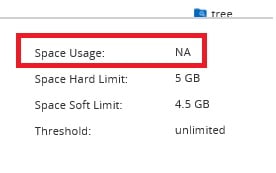
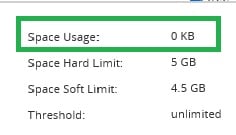
You can see it show NA for the space usage. I have to go to the 'Quota Status on Volumes' tab and then click 'Deactivate' and 'Activate' for the volume where the quota resides. Then it will show correctly, like this:
How can I get WFA to handle this so I don't have to manually Deactivate/Activate?
