NetApp Community Update
This site will enter Read Only mode on July 23 as we prepare to move to a new platform. You will still be able to view content, but posting and replying will be temporarily disabled.
We're excited to launch our new Community experience on July 30 and more information will follow soon.
Stay connected during the transition - Join our Discord community today.

ONTAP Hardware

Gateway for VLAN interfaces

ZelChief
5,883 Views

Hello!


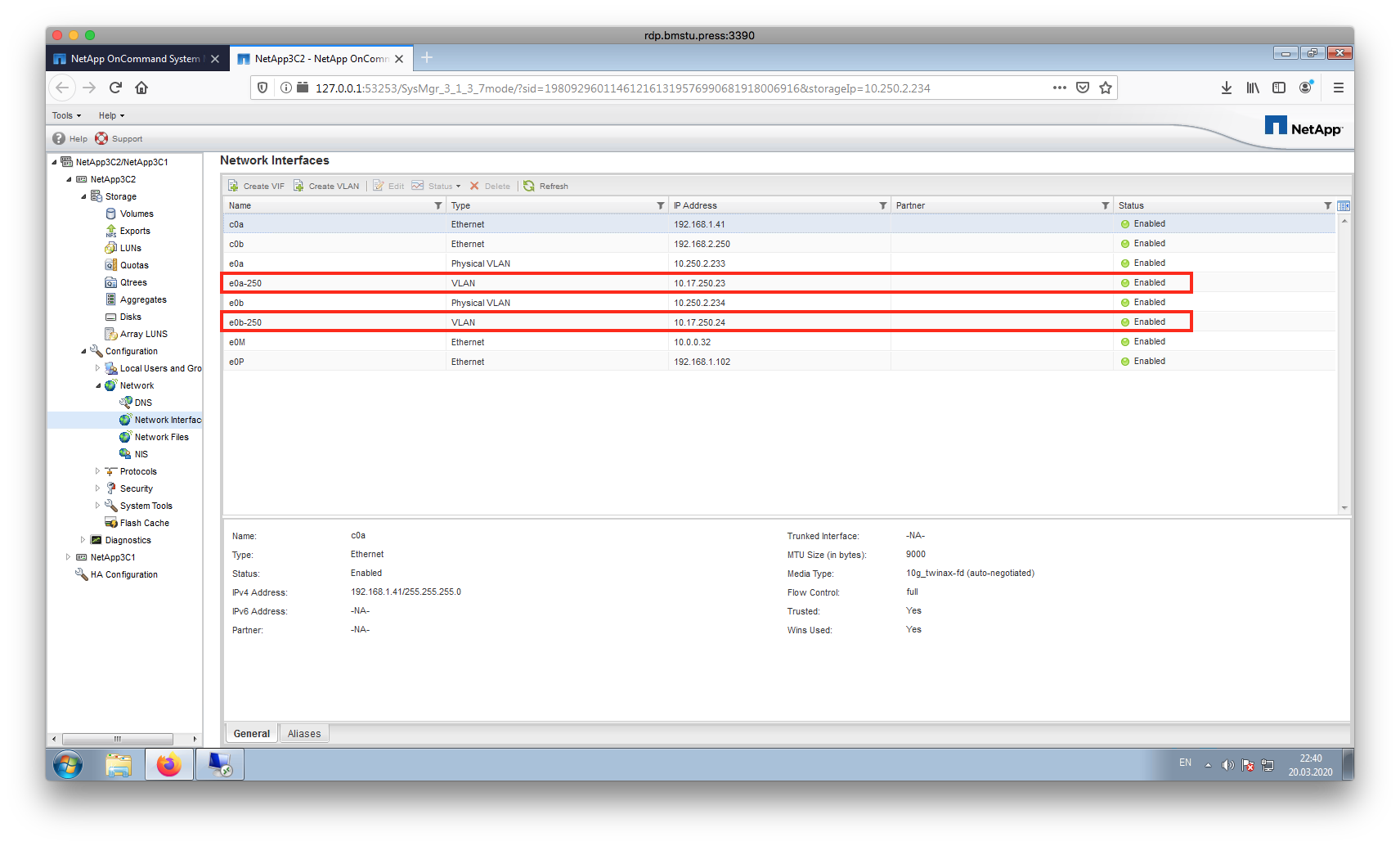
How to configure gateway for VLAN interfaces? Found information about default gateway https://kb.netapp.com/app/answers/answer_view/a_id/1034563/~/how-to-change-the-default-gateway-to-a-new-gateway- but cant't find any information about configuration gateway for VLAN interfaces. 

1 ACCEPTED SOLUTION

Ontapforrum
5,820 Views

Hi,


I am bit out-of-touch with 7-mode stuff, but as I remember, the routing table uses the default route when no other known route exists for a given packet's. But, you can add static route to for the destination using the following command.


How to use the route add command
https://kb.netapp.com/app/answers/answer_view/a_id/1034525


To add a route to the 10.17.250.0/24 (or whatever destination) network via 10.17.250.1, use the following syntax, using the proper value for the metric:


filer> route add net 10.17.250.0/24 10.17.250.1 1


Put that command in /etc/rc, else you will lose this route on a reboot. /etc/rc gets read at boot and sets up your network settings.

steps:
filer>rdfile /etc/rc
Copy all the text that it outputs, past it in a notepad, add the above command below the route add default, and write it back.
filer>wrfile /etc/rc
paste the edited notepad stuff.


This command overwrites the file with everything you enter at this point.


Thanks!

 

View solution in original post

1 REPLY 1

Ontapforrum
5,821 Views

Hi,


I am bit out-of-touch with 7-mode stuff, but as I remember, the routing table uses the default route when no other known route exists for a given packet's. But, you can add static route to for the destination using the following command.


How to use the route add command
https://kb.netapp.com/app/answers/answer_view/a_id/1034525


To add a route to the 10.17.250.0/24 (or whatever destination) network via 10.17.250.1, use the following syntax, using the proper value for the metric:


filer> route add net 10.17.250.0/24 10.17.250.1 1


Put that command in /etc/rc, else you will lose this route on a reboot. /etc/rc gets read at boot and sets up your network settings.

steps:
filer>rdfile /etc/rc
Copy all the text that it outputs, past it in a notepad, add the above command below the route add default, and write it back.
filer>wrfile /etc/rc
paste the edited notepad stuff.


This command overwrites the file with everything you enter at this point.


Thanks!


Public