NetApp Community Update
This site will enter Read Only mode on July 23 as we prepare to move to a new platform. You will still be able to view content, but posting and replying will be temporarily disabled.
We're excited to launch our new Community experience on July 30 and more information will follow soon.
Stay connected during the transition - Join our Discord community today.

Data Protection

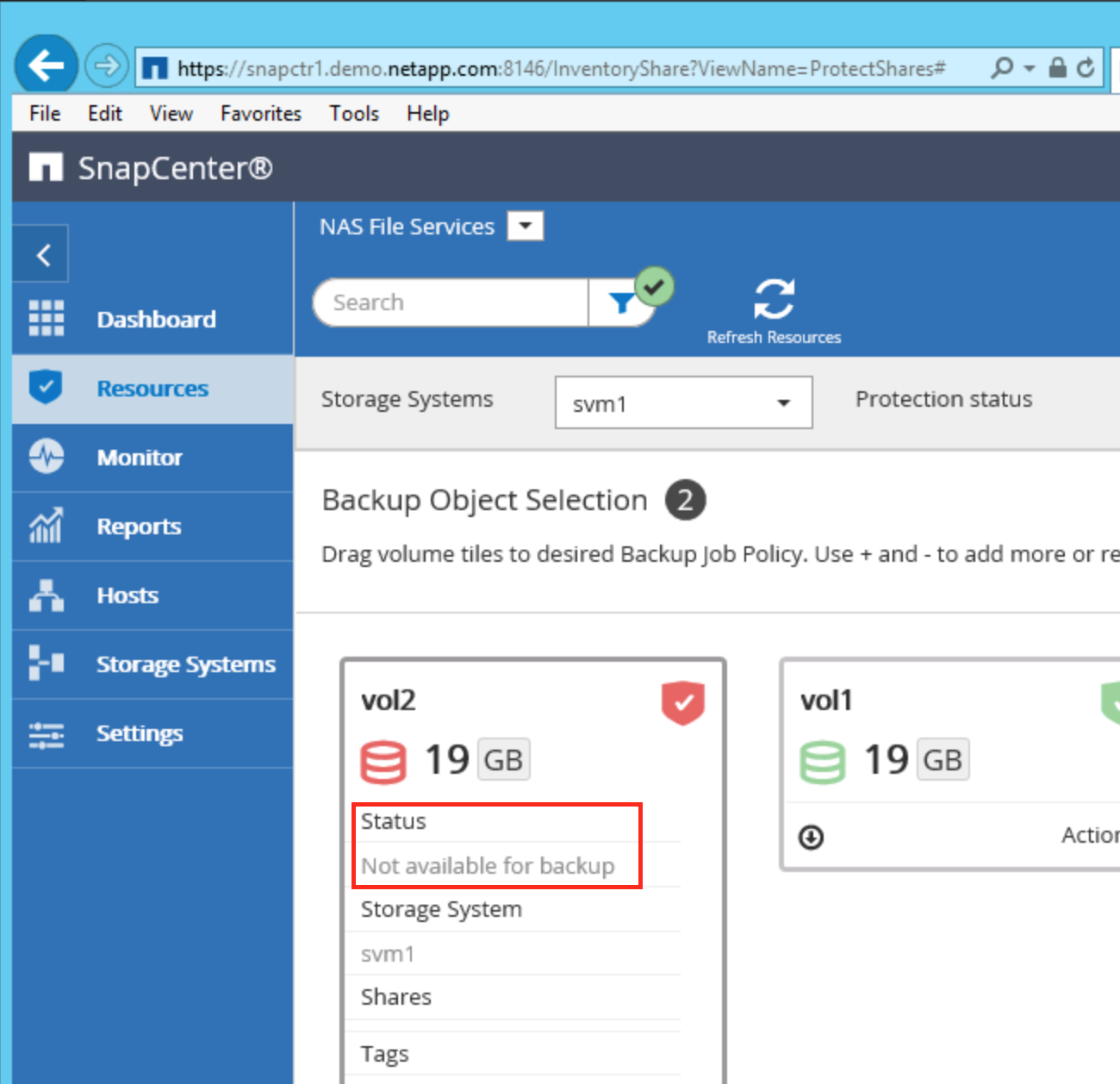
SnapCenter 2.0 - Can not protect new volume "not available for backup"

F_SCHUBERT
7,803 Views

Hello, I wanted to protect a new volume "vol2" using SnapCenter with the policy to backup to AltaVault but the newly created volume (that was a splitted clone from vol1) doesn't show unprotected (gray). 


Before I was playing around with protecting vol1 to AltaVault and deleted, but delete operation failed with blocked snapshot. So I decided to create new volume and try to protect it.

Its Playground only to test SC operation and make myself more familiar with it. 


Even if I remove the old relationship from Altavault, FAS it did not refresh in SnapCenter.


Is there a way to force SnapCenter to resync it's information about Resources?


regards Frank

1 ACCEPTED SOLUTION

F_SCHUBERT
7,791 Views

Found out that after mounting volume to new junction-path volume did appear in resources tab "gray" and I could protect it.

View solution in original post

1 REPLY 1

F_SCHUBERT
7,792 Views

Found out that after mounting volume to new junction-path volume did appear in resources tab "gray" and I could protect it.

Public