NetApp Community Update
This site will enter Read Only mode on July 23 as we prepare to move to a new platform. You will still be able to view content, but posting and replying will be temporarily disabled.
We're excited to launch our new Community experience on July 30 and more information will follow soon.
Stay connected during the transition - Join our Discord community today.

EF & E-Series, SANtricity, and Related Plug-ins

Restoring to Factory Defaults E2724

Trubida
9,349 Views

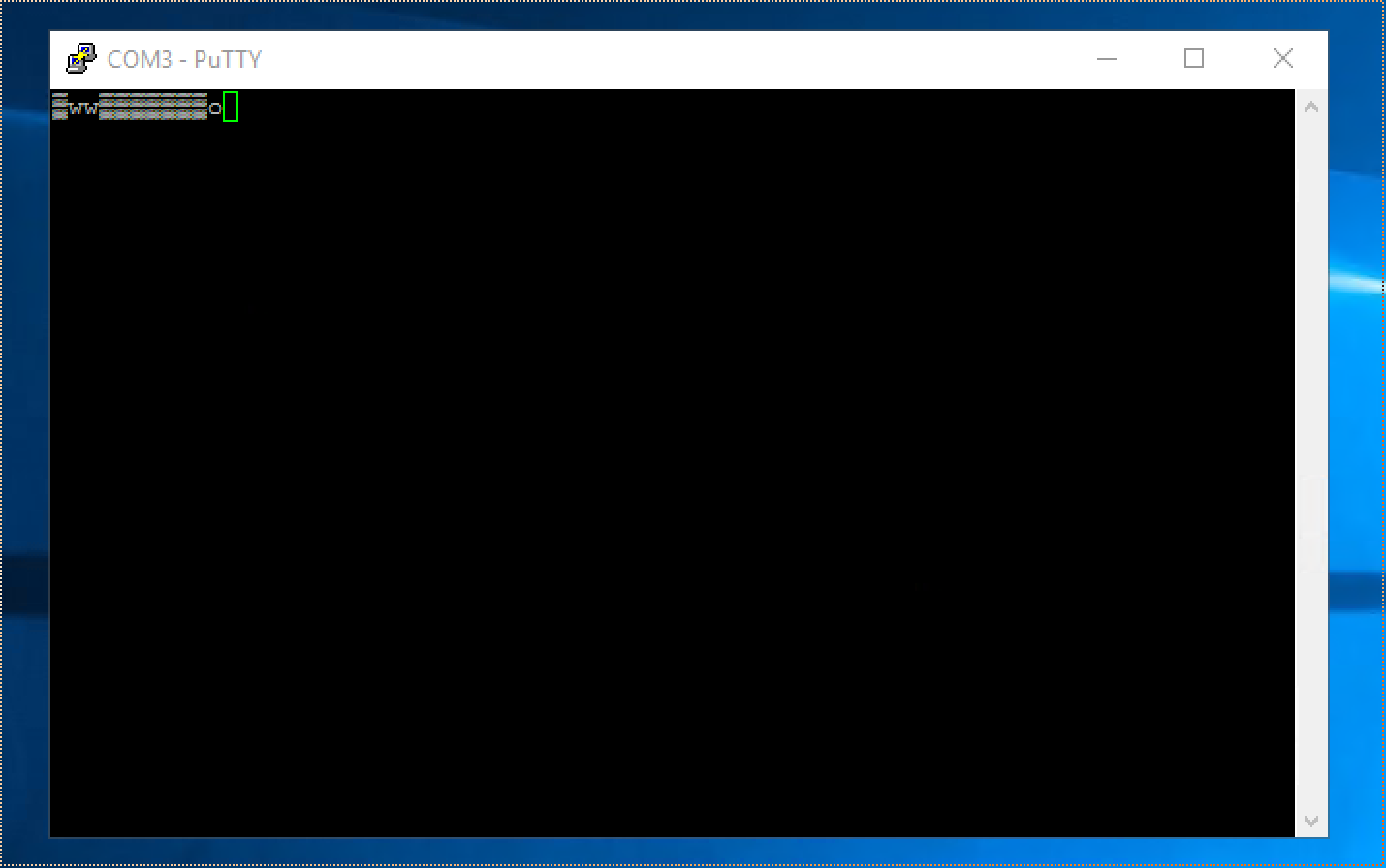
I'm trying to repurpose an existing e2724 array.  I cannot connect to the device with Santricity as the IP addresses were changed and I don't know what they are.  I've tried connecting to the default IP addresses on both ports but that won't work.  When I connect to the serial port and try to type anything the test is garbled.  Can anyone help out?


1 ACCEPTED SOLUTION

Trubida
9,257 Views

I was wable to get this resolved.  In case anyone else runs into this here's the steps I took.


I tried to connect to the console using every baud rate, parity and flow control option available.  I couldn't get any of them to display and readable output.  I then connect a network cable to one of the mgmt ports and used wireshark to capture data.  In looking at the wireshark data I was able to find the IP address assigned to the controller.  I was then able to connect to that IP address using Santricity.  Once connected I was able able to reset the IP addresses to what I wanted them to be.

View solution in original post

2 REPLIES 2

hariprak
9,270 Views

Hi,


Check this community discussion thread http://community.netapp.com/t5/E-Series-SANtricity-and-Related-Plug-ins-Discussions/E-series-storage-factory-default/m-p/32117#U32117


Thanks

If this post resolved your issue, help others by selecting ACCEPT AS SOLUTION or adding a KUDO.

Trubida
9,258 Views

I was wable to get this resolved.  In case anyone else runs into this here's the steps I took.


I tried to connect to the console using every baud rate, parity and flow control option available.  I couldn't get any of them to display and readable output.  I then connect a network cable to one of the mgmt ports and used wireshark to capture data.  In looking at the wireshark data I was able to find the IP address assigned to the controller.  I was then able to connect to that IP address using Santricity.  Once connected I was able able to reset the IP addresses to what I wanted them to be.

Public