NetApp Community Update
This site will enter Read Only mode on July 23 as we prepare to move to a new platform. You will still be able to view content, but posting and replying will be temporarily disabled.
We're excited to launch our new Community experience on July 30 and more information will follow soon.
Stay connected during the transition - Join our Discord community today.

VMware Solutions Discussions

What does Monitoring Status mean in the Set Recommended Settings dialog?

TMADOCTHOMAS
5,147 Views

On the main VSC console, if you click Host Settings Status you get a Set Recommended Settings dialog box. It lists the status of NFS, MPIO, and Adapter settings, indicating whether they are set to NetApp best practices or not.


Another column in this dialog box is Monitoring Status. Does anyone know what this column refers to? I have three hosts with a status of "Pending Reboot" and one with an "Alert" status in this column.

1 ACCEPTED SOLUTION

NAYABSK
5,118 Views

Hi Thomas, 


Thank you for writing to NetApp community.


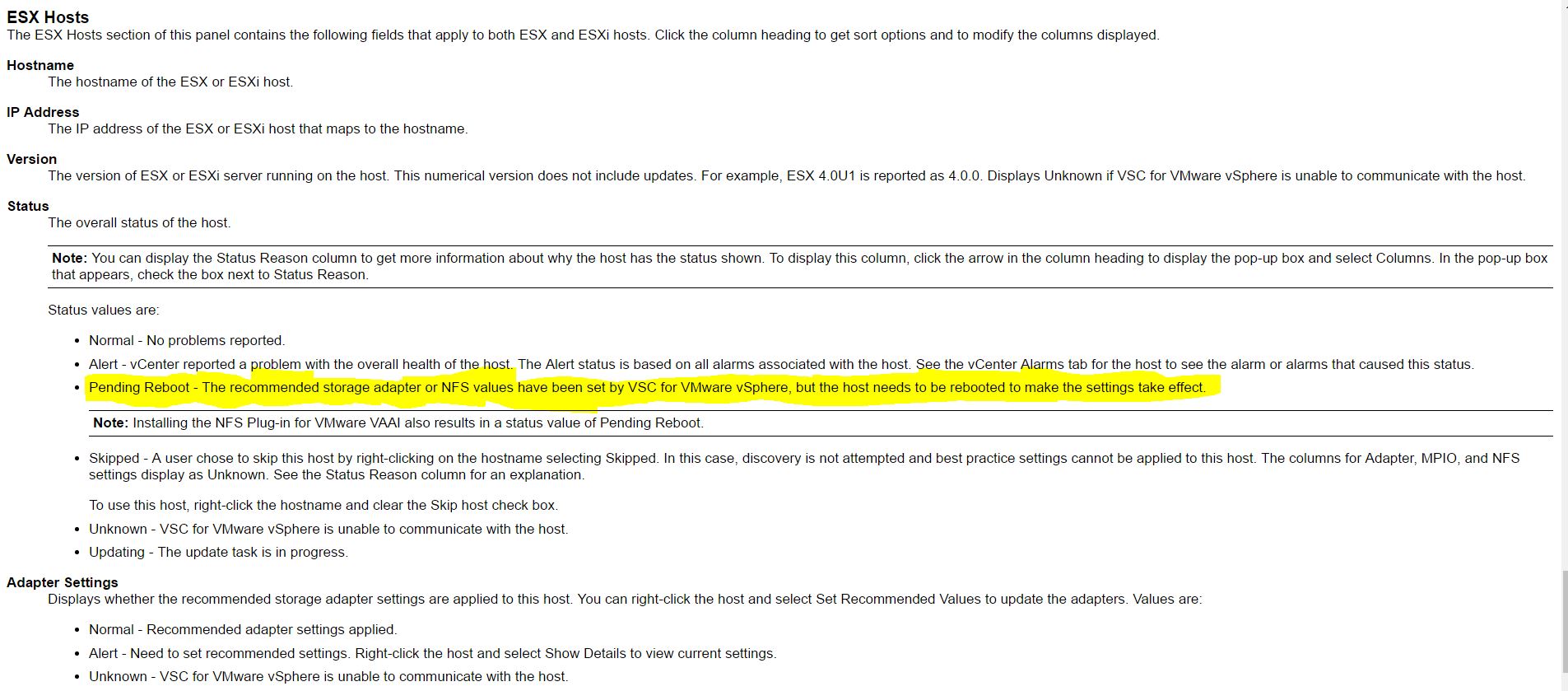
The status showing as "Peding Reboot" means the best practices/values has been set for your storage adapter or for NFS where the host needs to reboot to make the changes effective. 


Please find the KB to know all the alarms in VSC/ Panel Fields


VSC Alarm KB:- Overview of VSC Alarms/ Panel Fields


VSC Alerts.JPG


Thanks,

Nayab

View solution in original post

2 REPLIES 2

NAYABSK
5,119 Views

Hi Thomas, 


Thank you for writing to NetApp community.


The status showing as "Peding Reboot" means the best practices/values has been set for your storage adapter or for NFS where the host needs to reboot to make the changes effective. 


Please find the KB to know all the alarms in VSC/ Panel Fields


VSC Alarm KB:- Overview of VSC Alarms/ Panel Fields


VSC Alerts.JPG


Thanks,

Nayab

TMADOCTHOMAS
5,071 Views

Thank you  ! For some inexplicable reason, they've removed this section from the 6.2.1 documentation. Very helpful.

Public