NetApp Community Update
This site will enter Read Only mode on July 23 as we prepare to move to a new platform. You will still be able to view content, but posting and replying will be temporarily disabled.
We're excited to launch our new Community experience on July 30 and more information will follow soon.
Stay connected during the transition - Join our Discord community today.

Simulator Discussions

How to realease simulator space for vmware workstation !

HSUTUNKAI
4,166 Views

Hi all

I am use Netapp Simulator and to install the operating system via esxi for nfs protocol 。

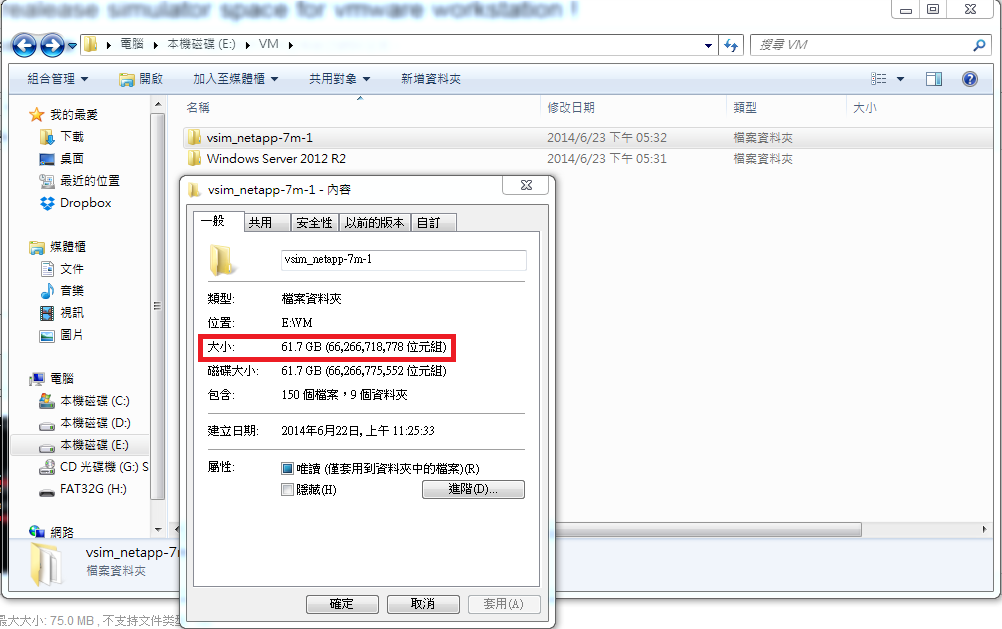
My question is when I removed and destroy the vm , Space does not release....

How can I solve this problem ??


3 REPLIES 3

ERKANAKSOY
4,166 Views

Hello,

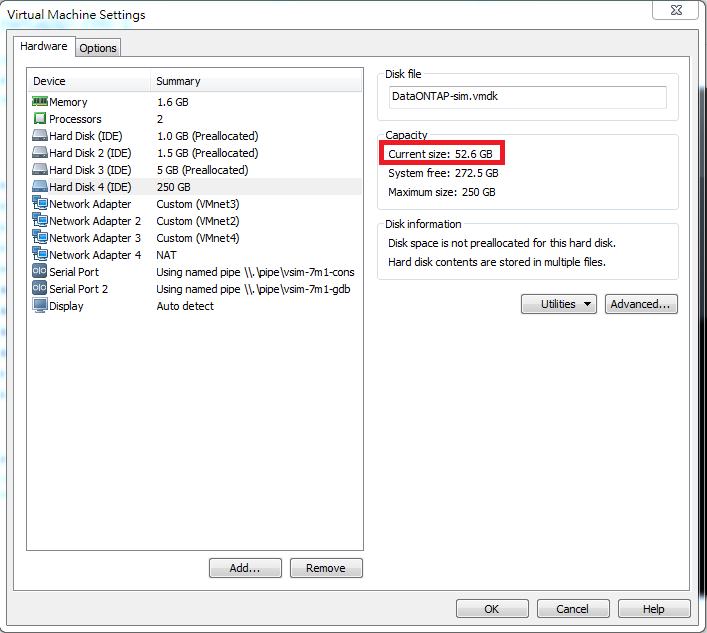
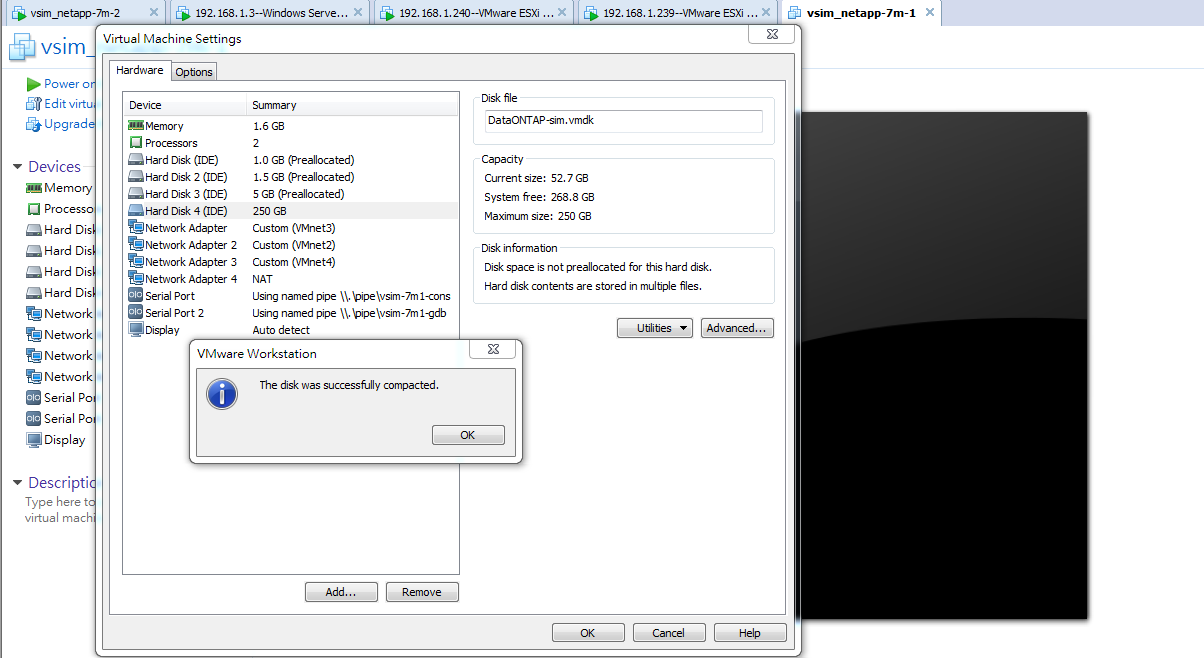
You need to go to settings of the VM, select the disk and hit utilities/compact (reclaim) disk.

HSUTUNKAI
4,166 Views

Hi ERKANAKSOY

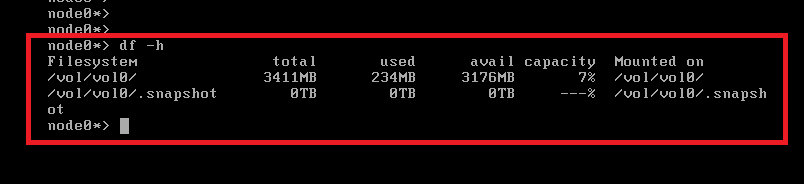
I am (reclaim) disk ,but the space still looks not released

I had the operation mistake?

gales
4,166 Views

There's no good way to do this.  Even though you may have freed up the blocks within ONTAP, VMware has no way of knowing that those blocks are now free, and hence won't release the space.

Removing and destroying the VM (aka "Manage" / "Delete from disk") should release all of that space, then you can install a new simulator that is completely thin again.

Best regards,

-Simon

Public